
Shipping integration (Geliver) setup
Connect Geliver to generate shipping labels automatically, define the shipping options and prices shown at checkout, and track shipments.
Geliver gives you several carriers through one connection: it creates the shipment, produces the label and writes tracking back onto the order. This guide covers the connection, the options your customer sees at checkout, and the life of a shipment.
Antes de empezar
- The Shipping plugin enabled
- A Geliver.io account and API key
- Weight/desi filled in on your products — pricing is calculated from it
Pasos
Las pantallas son ilustrativas; los datos de tu panel serán distintos.
Paso 1: Connect Geliver
In Ayarlar → Entegrasyonlar → Kargo & Teslimat, press Kur on the Geliver card and enter your API key. The card switches to Bağlı once connected.
ConnectedGeliver.io shipping
Automatic shipping & shipment labels
API Key•••••••••Test connectionGeliver.io shipping — vista de ejemplo del panel Paso 2: Define shipping options
The Kargo Seçenekleri card manages the delivery methods and prices shown at checkout. You can set a flat fee, make it free over a threshold, or pass through the carrier's calculated price. With no options here, customers cannot complete checkout.
Shipping options
Method Price ETA Active Standard ₺79 2-4 business days Active Express ₺149 1-2 business days Active Free over ₺500 ₺0 2-4 business days Active Shipping options — vista de ejemplo del panel Paso 3: Create a shipment for an order
From the Geliver.io panel on the order detail, pick a carrier and service and create the shipment. The label is produced and the tracking link written onto the order.
Awaiting carrierOrder #10515 — Geliver.io shipping
Carrier Service Price ETA Aras Kargo Standard ₺76 3 business days Yurtiçi Kargo Standard ₺81 2 business days MNG Kargo Economy ₺68 4 business days Create shipmentOrder #10515 — Geliver.io shipping — vista de ejemplo del panel Paso 4: Track the status
Shipping status updates from carrier webhook events. The 'last webhook' and 'awaiting webhook event' lines tell you whether a shipment is really updating. If it stalls, use Durumu yenile to poll manually.
Consejos
Products without desi are priced wrong
Shipping price is computed from desi and weight. If those fields are empty the carrier price does not reflect reality and you absorb the difference.
Same-day delivery is not shipping
For delivery within hours in the same city you want the courier integration and delivery zones, not a carrier. The two can run side by side.
Preguntas frecuentes
- Can I work with more than one carrier?
- Yes. Geliver exposes several carriers through one connection; you pick per shipment.
- Can I cancel a shipment?
- Yes, with Kargoyu iptal et, before the carrier collects it.
- How does the customer get the tracking number?
- When the shipment is created the tracking link is written onto the order and sent to the customer in the order status email.
Complementos relacionados
La tarea de esta guía viene con estos complementos.
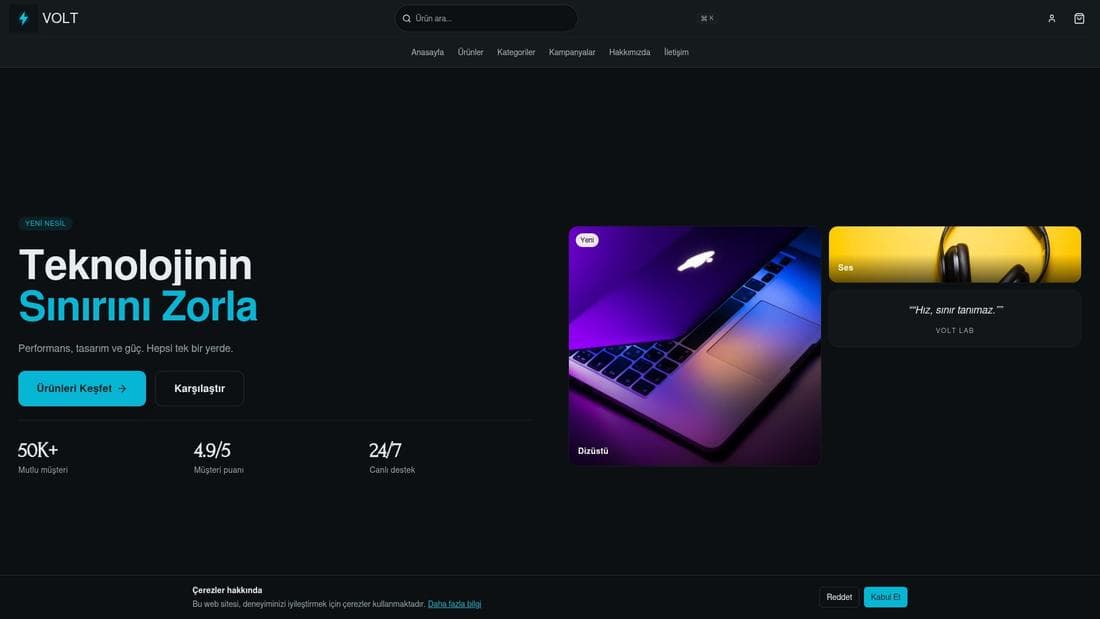
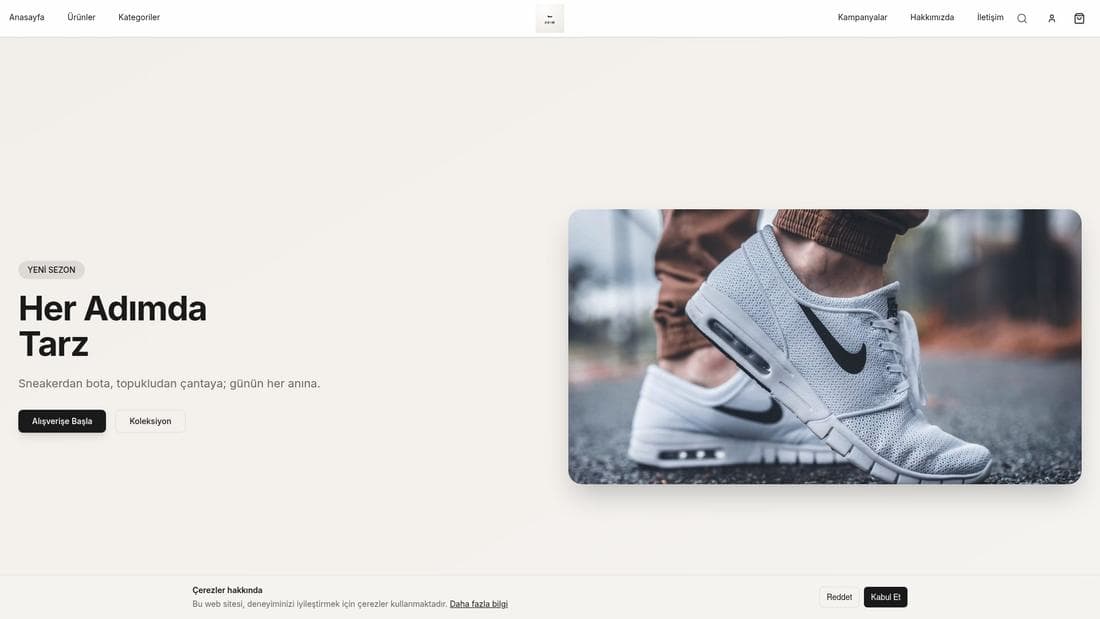
Pruébalo en una demo en vivo
Tiendas reales con esta función activa. Ábrelas y navega.

Guías relacionadas
Courier setup and dispatching orders
Connect an on-demand courier company, define pickup points, test the connection, then dispatch orders in one click and track them on the map.
Adding products and managing variants
Create products, build colour and size variants, pick the main variant, manage stock and price — and why a product you added is not showing on the site.