
Creating coupons and setting usage limits
Create percentage or fixed-amount discount coupons, set usage limits and date ranges, issue customer-specific codes, and announce them by SMS.
A coupon is a code the customer types at checkout. A campaign applies automatically and needs no code. This guide covers the coupon side: type, value, which flow it applies to, and who can use it how many times.
Avant de commencer
- The Coupons plugin enabled
- SMS integration configured if you plan to announce by SMS
Étapes
Les écrans sont illustratifs ; les données de votre panneau différeront.
Étape 1: Create a new coupon
Pazarlama → Kuponlar has two tabs: Genel Kuponlar and Kullanıcı Kuponları. For a code anyone can use, press Yeni Kupon Oluştur on the general tab.
Coupons
Create and manage discount coupons
General CouponsUser CouponsCreate New CouponCoupons — exemple de vue du panneau Étape 2: Enter the code, type and value
The coupon code is what the customer types — keep it uppercase and memorable. With type Yüzde the value is a percentage; with Sabit tutar it is an amount in ₺. The name field is only for recognising it in your panel.
Coupon information
Coupon codeSUMMER20NameSummer discountCoupon typePercentageCoupon Value20Enter the discount amount
Coupon information — exemple de vue du panneau Étape 3: Choose the applicable flow
The 'applies to' field decides where the coupon works: orders, reservations, or both. Businesses taking appointments and reservations should not skip it — leaving the default and then wondering why the coupon does not work on a booking is common.
Coupon scope
Applies toOrders + ReservationskapalıFirst booking only
Valid only on the customer's first booking.
Coupon scope — exemple de vue du panneau Étape 4: Set usage limits
Maximum Usage Times is how many times the coupon can be used in total. Per-user maximum is how many times one customer can use it; 0 means unlimited. An unlimited coupon, once shared, gets used far more than you expect.
Usage and dates
Maximum Usage Times200Max Usage Per User10 means unlimited (each user can use it any number of times)
Start Date01.09.2026End date30.09.2026açıkActive
Usage and dates — exemple de vue du panneau Étape 5: Save and verify
Press Oluştur. After the success message, try the code on a real basket in your store — if the discount does not apply, the usual causes are the date range, a minimum amount, or the wrong applicable flow.
Étape 6: Customer-specific coupons and SMS
To issue a coupon to one customer, use Müşteri İçin Kupon Oluştur on their record. 'Notify by SMS on creation' sends the code to that customer; the broadcast option sends the same code to everyone subscribed to marketing SMS.
Create coupon for customer
You can share this code with the customer. Change it if you like.
Coupon codeAYSE-15açıkNotify by SMS on create
kapalıAnnounce to all subscribed customers by SMS on create
CreateCreate coupon for customer — exemple de vue du panneau
Conseils
If the SMS did not send, the panel says why
The system states the reason explicitly: the customer is not subscribed to marketing SMS, has no phone number, SMS is not configured, İYS consent is missing, or the campaign-coupon template is disabled.
Coupon or campaign?
If you want the customer to type a code, use a coupon. If the discount should apply automatically in the basket, use a campaign. On campaigns the combinability setting decides whether the discount stacks with others.
Questions fréquentes
- Can an anonymous visitor use a coupon?
- No. Coupon usage is tied to an account; a signed-out visitor is told anonymous users cannot use coupons.
- Can I edit a coupon later?
- Yes — value, dates and limits can all be changed. Changing the code invalidates the one you already shared.
- Where do I see how many times it was used?
- The coupon detail lists the orders that used it along with a usage counter, and analytics has a coupon usage report.
Extensions associées
La tâche décrite ici est fournie avec ces extensions.
Essayez dans une démo en ligne
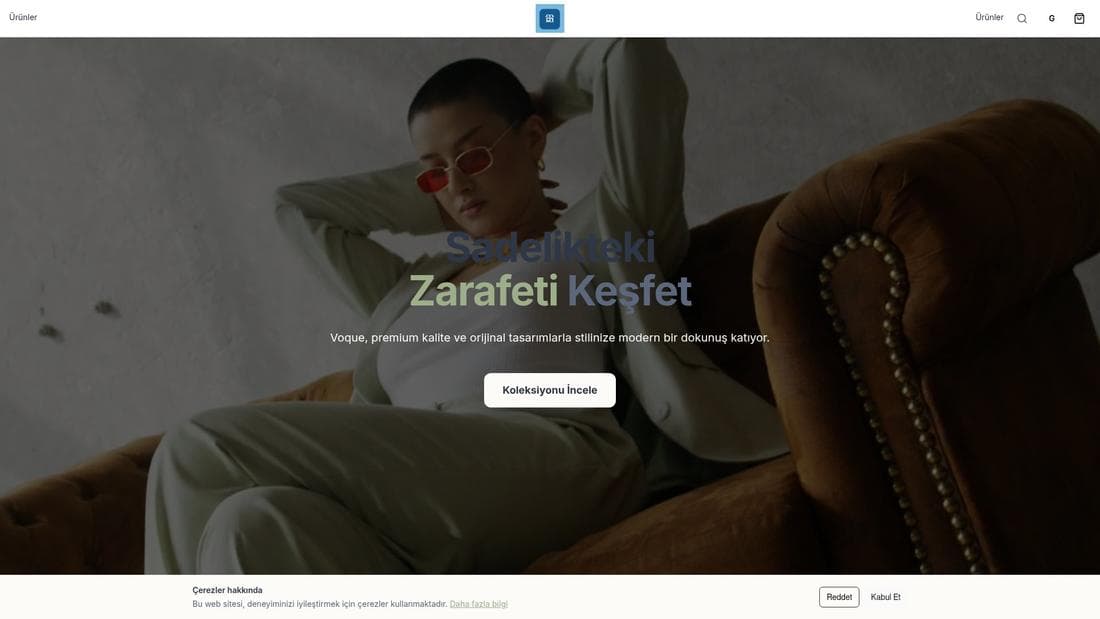
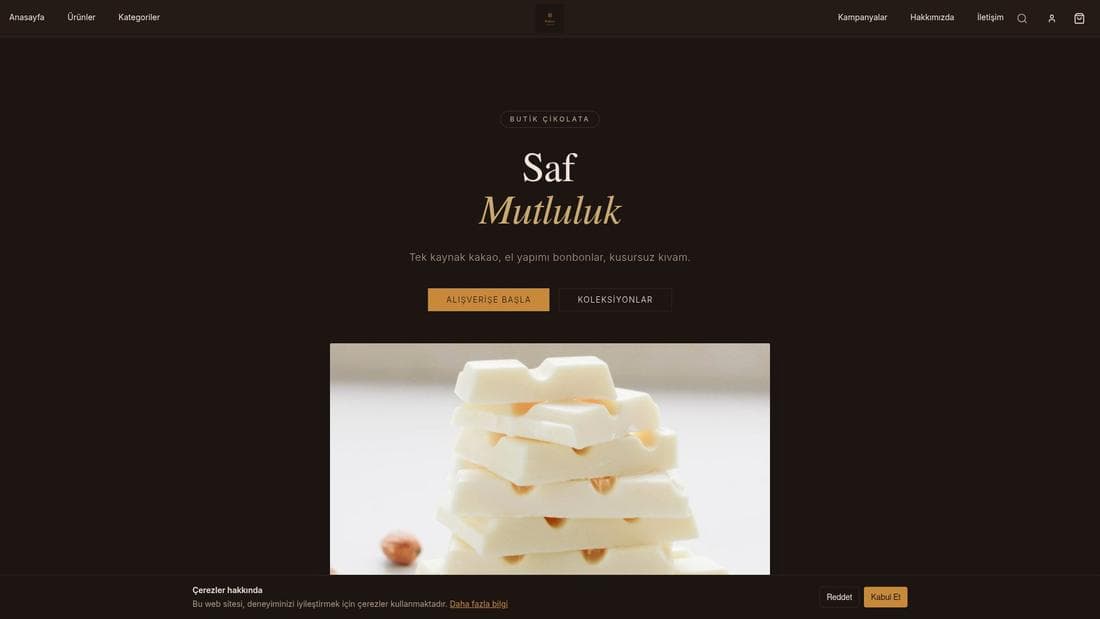
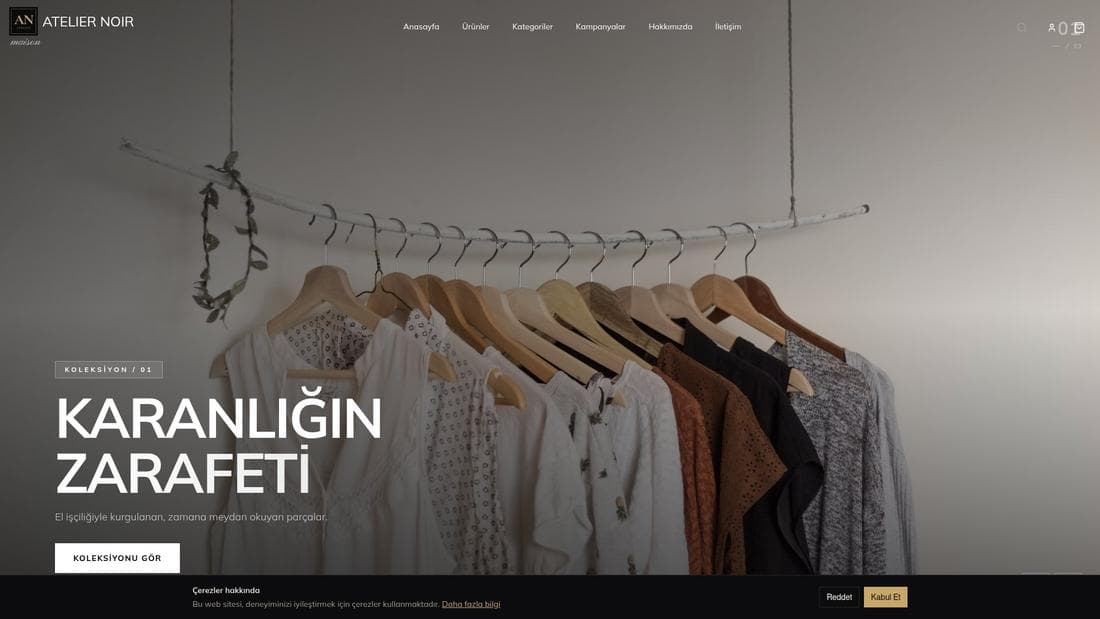
De vraies boutiques utilisant cette fonctionnalité. Ouvrez-les et explorez.
Guides associés
Start taking card payments with iyzico
Connect your iyzico account, configure 3D Secure and instalments, test end to end, and switch to live card payments.
Online appointment system setup
Define your services and their durations, enter staff availability, set working hours, and let customers book from your site.