
Opening and tracking a repair ticket
Take in a device by serial number or IMEI, move it through your own workshop stages, and send the parts-and-labour quote for the customer to approve.
The Service Desk plugin is for workshops that physically hold a customer's device: phone repair, appliance service, computer shops, watchmakers. You open a ticket on the Cihaz Kabul screen, move it across the stages of the İş Panosu, and send a quote built from parts and labour lines for the customer to approve. No e-commerce is required — a workshop that sells no catalogue can run on this plugin alone. It is also not the support-ticket inbox: every record here is a real device on your shelf.
Antes de empezar
- The Service Desk plugin enabled
- View permission on the Teknik Servis resource, plus write for whoever opens tickets — set on Ekip ve Roller where that plugin is enabled
- The customer's phone or e-mail at intake — the quote and stage notices go there
Pasos
Las pantallas son ilustrativas; los datos de tu panel serán distintos.
Paso 1: Shape the stages around your own workshop
Before the first ticket, open Teknik Servis → Servis Ayarları. The Aşamalar section defines the columns of the board and ships with seven default stages. Each carries two switches: 'Bitiş aşaması' (a ticket that reaches it is closed and cannot be reversed) and 'Teklif onayı gerektirir' (the stage cannot be entered until the customer approves the quote). With 'Müşteriye bildir' on, the customer is texted or e-mailed on arrival at that stage and reads whatever you typed into 'Müşteriye görünen ad'.
Service settings
Arrange the board's columns to match your workshop
Stage name Final stage Requires quote approval Notify the customer Kabul No No Yes Arıza Tespit No No No Onay Bekliyor No No Yes Onarımda No Yes No Test No No No Hazır No No Yes Teslim Edildi Yes No No Add stageSaveService settings — vista de ejemplo del panel Paso 2: Take the device in
Teknik Servis → Cihaz Kabul is where a ticket is opened. Under Müşteri you either pick a registered customer or record a walk-in with name and phone. Under Cihaz enter brand, model and serial number, plus the IMEI for phones. A barcode scanner can read the serial straight in — a hand-typed serial is the single most common reason a device's later service history does not line up.
Device intake
Registered customerWalk-inFull nameElif YıldırımPhone0532 000 00 00BrandSamsungModelGalaxy S22Serial noRF8T20ABCDEA barcode scanner can read the serial in
IMEI352094110001234Device intake — vista de ejemplo del panel Paso 3: Check the warranty and record the fault
Once the serial is in, Garanti sorgula searches your own sales records. If you sold the device the panel says so and fills in the purchase date and warranty end by itself; with no record it reads 'Satış kaydı bulunamadı' and you type the dates. Under Arıza, the fault description is what the customer reported and Kabul Notları is what you observed. Tick what came in with the device under Aksesuarlar and upload damage photos at intake — that is the record that settles the 'this scratch happened here' argument later.
Device intake
Check warrantyThis device was sold by your store: Galaxy S22 128 GB
Purchase date14.03.2025Warranty until14.03.2027Fault descriptionWill not charge, heats up with the cable inIntake notesScratch on the lower left corner, screen intactAccessoriesCase, charging cableDevice intake — vista de ejemplo del panel Paso 4: Open the ticket and print the intake receipt
Set the priority (low, normal, high, urgent), the assigned technician and the promised delivery date, then press Fişi Aç. The panel returns the ticket number. The Kabul fişi yazdır printout carries a QR code the customer can scan to see which stage their device is at without signing in, and the receipt has a signature line for whoever handed the device over.
Device intake
PriorityHighAssigned technicianMurat AydınPromised by12.09.2026Open ticketService ticket opened: SRV-2026-0148
Print intake receiptDevice intake — vista de ejemplo del panel Paso 5: Build the quote and send it for approval
In the Teklif section of the ticket, Kalem ekle adds part and labour lines, each with quantity, unit price and VAT. Subtotals exclude VAT; the grand total includes it. Müşteri onayına gönder sends it to the customer and the status becomes 'Onay Bekliyor'; the answer lands in the ticket history as 'Müşteri onayladı' or 'Müşteri reddetti'. With no phone and no e-mail on file the panel warns you: the quote is marked sent but cannot be delivered.
Awaiting approvalService ticket
Kind Description Qty Unit price VAT Amount Part Original charging port 1 ₺780.00 20% ₺780.00 Part Battery 1 ₺1,150.00 20% ₺1,150.00 Labour Strip-down, replace, test 1 ₺600.00 20% ₺600.00 Subtotals exclude VAT; the grand total includes it.
Add lineSend for approvalService ticket — vista de ejemplo del panel Paso 6: Move the ticket across the board and take payment
Teknik Servis → İş Panosu arranges tickets by stage and searches on ticket number, serial, IMEI or customer. Aşama değiştir moves one, with an optional note. Trying to enter an approval-gated stage without approval is refused with 'Bu aşamaya geçmek için müşterinin teklifi onaylaması gerekir'. As the device leaves, Ödeme al records cash, card at the POS, bank transfer or a payment link, and Fatura oluştur raises the invoice.
Service board
- ✓Accept
- ✓Diagnosis
- ✓Awaiting approval
- 4Repairing
- 5Testing
- 6Ready
- 7Delivered
SRV-2026-0148 · Galaxy S22
RepairingElif Yıldırım · 3 days in service
SRV-2026-0151 · Arçelik 9040
UrgentKenan Uz · 1 day in service
Record paymentCreate invoiceService board — vista de ejemplo del panel
Consejos
Do not drag a ticket into the final stage early
A stage flagged 'Bitiş aşaması' closes the ticket, and the panel then refuses to reverse it: 'Teslim edilmiş bir fiş geri alınamaz. Yeni bir fiş açın.' Leave that column alone until the device is physically in the customer's hands. A ticket can also only be stepped back one stage.
Touching the quote resets the approval
Adding a part after approval resets it: the ticket returns to 'Onay Bekliyor' and the approval-gated stage closes again. That is deliberate — it is what stops a labour invoice existing that nobody agreed to. When an extra part turns up, resend the quote.
Preguntas frecuentes
- Is this the same as the support-ticket inbox?
- No. Destek Talepleri is for correspondence. A service ticket is a physical device you are holding, and it runs on serial number and IMEI, warranty matching, a parts-and-labour quote, payment and handover.
- Can I use it without setting up e-commerce?
- Yes. The plugin depends on no product, basket or shipping setup. A workshop that sells no catalogue works entirely from Cihaz Kabul, İş Panosu, Cihazlar and Servis Raporları.
- How does the customer see the status?
- By scanning the QR code on the printed intake receipt. The page needs no sign-in and shows the current stage, the promised date and the repair quote if there is one. The customer approves or rejects it there, and the result lands in the ticket history as 'Müşteri onayladı' or 'Müşteri reddetti'.
Complementos relacionados
La tarea de esta guía viene con estos complementos.
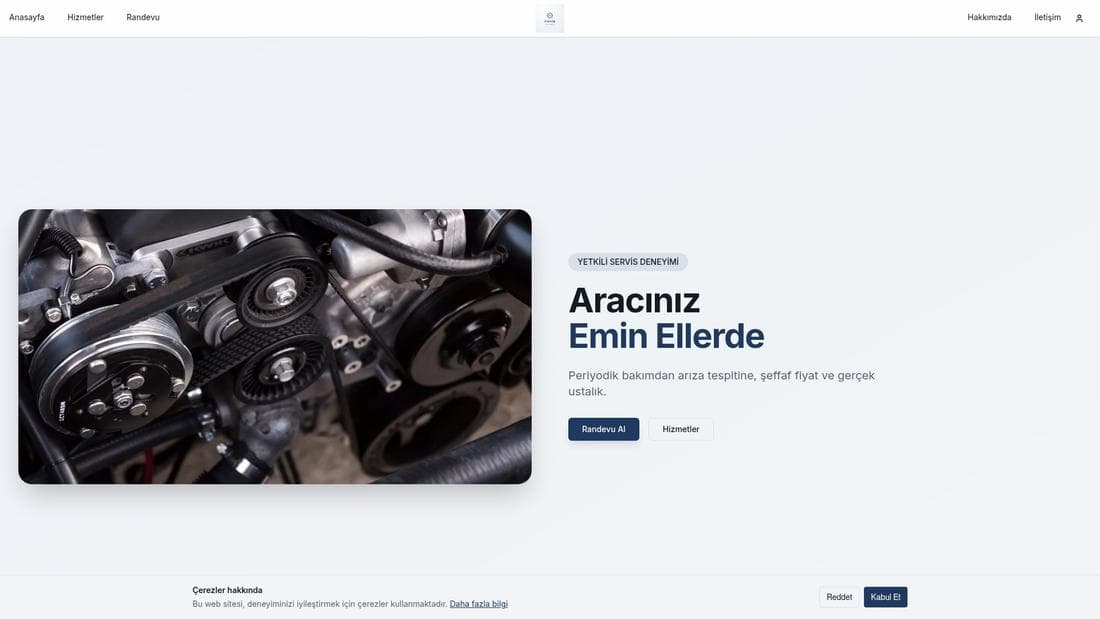
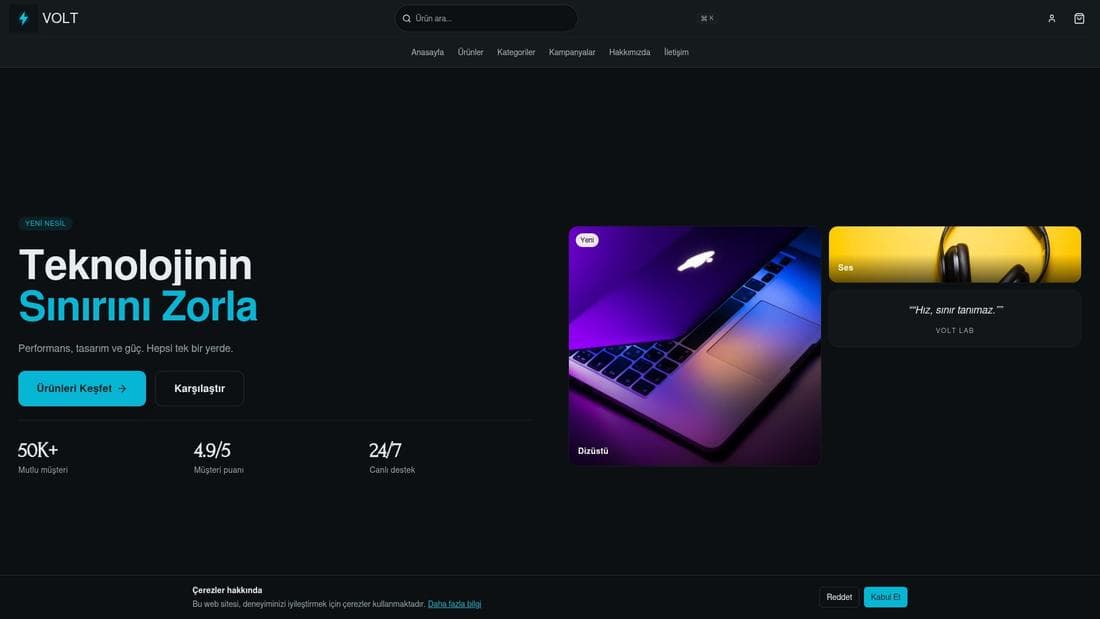
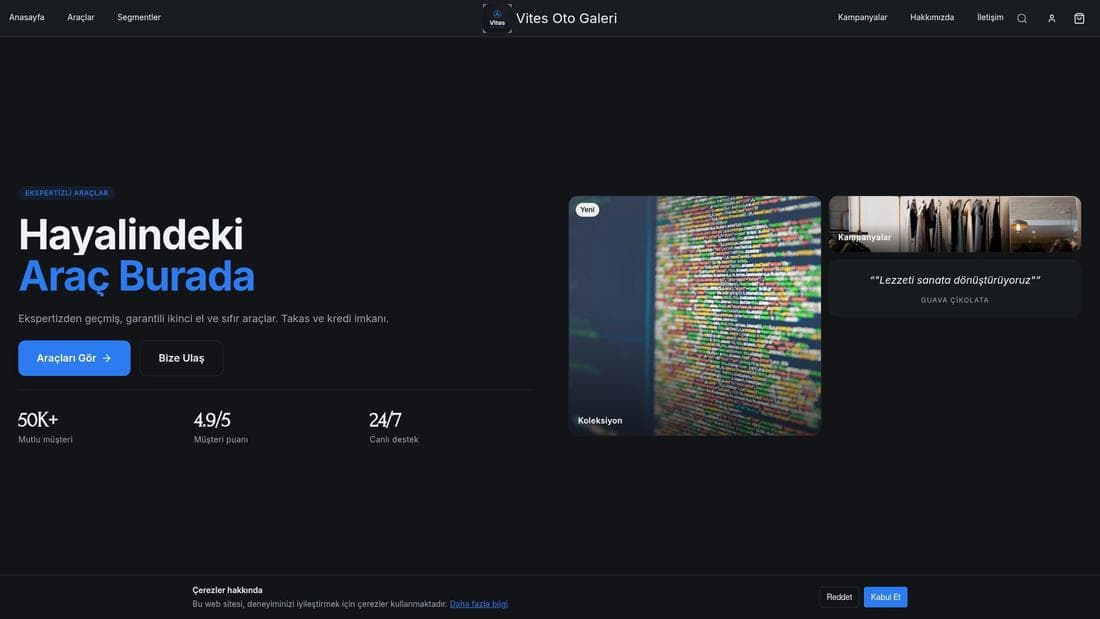
Pruébalo en una demo en vivo
Tiendas reales con esta función activa. Ábrelas y navega.
Guías relacionadas
Online appointment system setup
Define your services and their durations, enter staff availability, set working hours, and let customers book from your site.
Adding branches and per-branch stock
Define your physical shops under Şubeler, give each its own stock, opening hours and delivery areas, and move stock between branches.