
WhatsApp chatbotQuestions answered 24/7
Shipping, returns, instalments, campaigns: the AI assistant answers from your store's data. It never makes things up; it asks your team.
Instant answers
Reads shipping, returns, instalments and opening hours from your store.
Your own answers
Uses the Q&A you wrote; asks you what it does not know.
Hands over to your team
Passes a customer who wants a person to your team, with a summary.
Report
How many chats, how many orders, what was asked most: all in your panel.
Included in this solution
Top features
Included in this solutionTop features
Answers from your store's data
Included in this solutionReads the shipping fee, the free-shipping threshold, delivery time, instalments, returns and opening hours from your store settings. It never guesses what is not set.
Stop answering the same question a hundred times
"When will it arrive?", "Can I return it?" These questions come all day. The AI assistant answers from your store's own data; it never makes things up and asks your team instead.
A WhatsApp chatbot in four steps
No code, no flow charts.
Open your account
Sign up; your store goes live right away.
Connect WhatsApp
Connect your business number from the panel.
Add your details
Write your shipping, returns and FAQ; the assistant answers from them.
Switch on the assistant
Try it in test mode first, then open it to everyone.
Live examples
Browse the demo stores
See how the catalogue and store settings the assistant answers from look in the demo stores.
 E-Commerce package
Electronics
Volt Elektronik · live demo
Hover to see the packageTap to see the package
 E-Commerce package
Toy store
Zıp Zıp Oyuncak · live demo
Hover to see the packageTap to see the package
 E-Commerce package
Boutique chocolate
Kakao Çikolata · live demo
Hover to see the packageTap to see the package
 E-Commerce package
Butcher
Bıçak Kasap · live demo
Hover to see the packageTap to see the package
 Kafe package
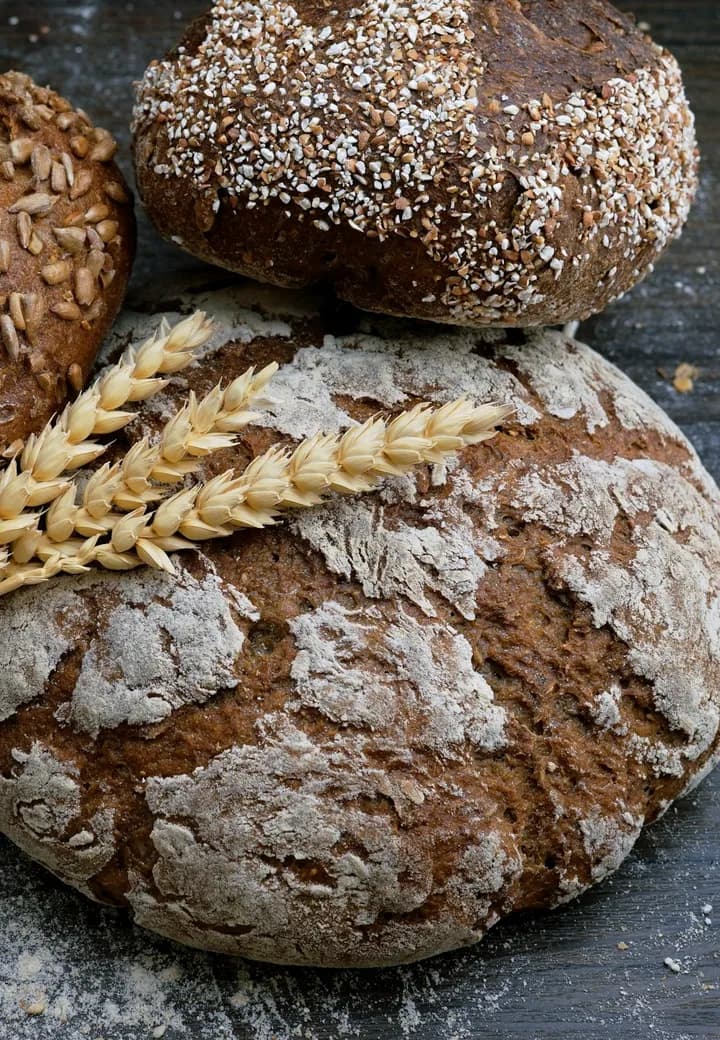
Bakery
Maya Fırın · live demo
Hover to see the packageTap to see the package
 E-Commerce package
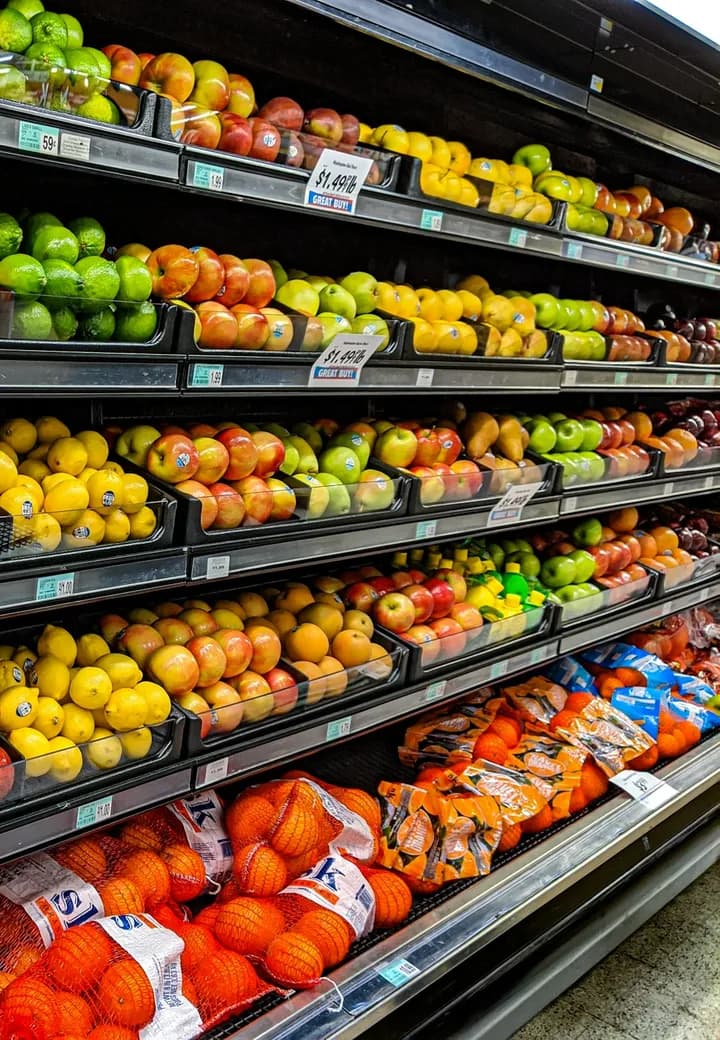
Grocery store
Bereket Market · live demo
Hover to see the packageTap to see the package
See what this can become
Add any plugin with one click — everything runs in the same panel, and the system grows with your business.
Questions about the WhatsApp chatbot
The questions asked most, with clear answers.
It answers the customer's question from your store's data: products, prices, stock, shipping, returns, instalments, campaigns and opening hours. It can also take the order and send the payment link.
WhatsApp chatbot: a conversation, not a menu
Why do customers ask on WhatsApp?
Because they want the answer now. A late answer is often a lost sale.
Which questions can be automated?
Delivery time and fee, returns, instalments, campaigns, stock and opening hours: the same questions all day.
A real conversation, not a button menu
Customers don't "press 1"; they type their question. The assistant understands the sentence and answers briefly.
Where does a person step in?
For a complaint, a special request or when the customer asks for a person, the assistant hands over to your team with a summary.
See what it brings in
Chats, orders, first-response time and the questions asked most, all in the report.
It doesn't make things up
If the information is not in your settings, it does not guess; it asks your team, and you answer once.